Two tools, two moments
Five reasons for the gap
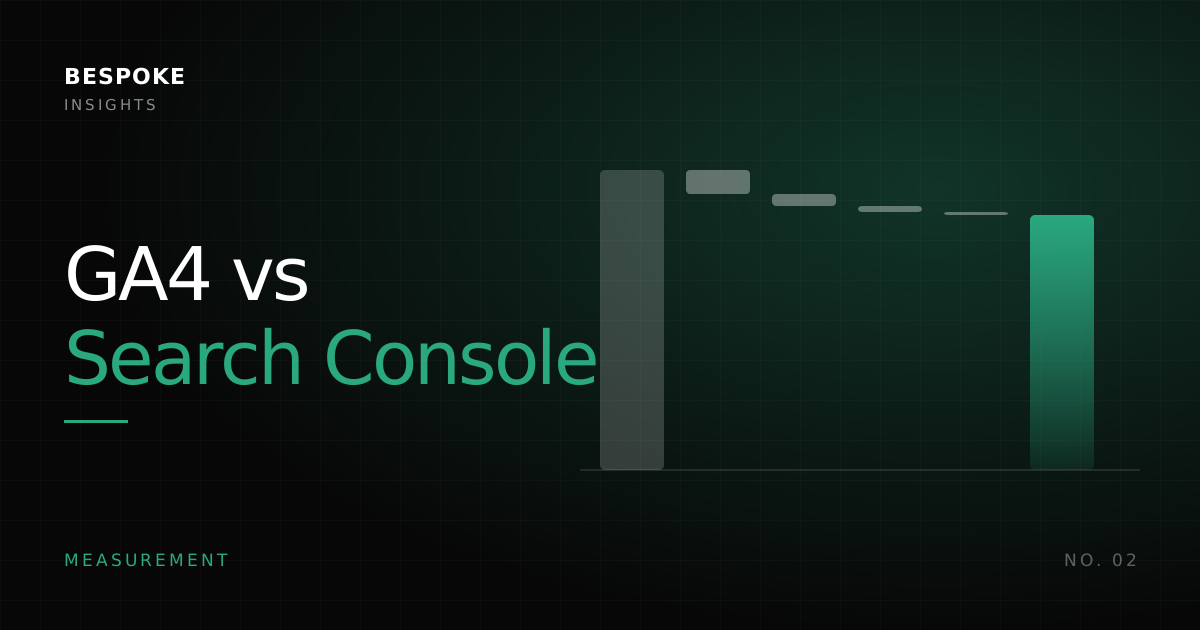
- Scope. Search Console counts Google only. GA4 counts every search engine as organic, though Google holds about 95% of global search.
- Timing. A user who clicks and leaves before the page loads is one click and zero sessions.
- Technical blocking. Around 25 to 30% of users run ad blockers, and consent rejection, disabled JavaScript and Safari tracking prevention all stop GA4.
- Processing. GA4 groups clicks into sessions, filters bots and can take 24 to 48 hours.
- Attribution. Search Console is last click from Google Search; GA4 depends on the attribution model you set.
A worked example
How much gap is normal
- 10 to 20%: normal. Watch the trend.
- 20 to 30%: check tag placement, JavaScript errors, consent and page speed.
- Above 30%: a serious problem that needs an audit now.
- GA4 higher than Search Console: look at other search engines, branded search counted as organic and channel attribution.
Use both, on purpose
- Link Search Console to your GA4 property.
- Reconcile monthly: compare clicks with organic sessions, track the gap and document the cause of every jump.
- Cross-reference: Search Console queries against GA4 conversions, and technical issues against traffic impact.
- Watch the red flags: sudden spikes in the gap, clicks rising while sessions stay flat, or GA4 falling while Search Console holds.
8,500 engaged sessions can be worth more than 15,000 low-quality clicks. Optimise for the business outcome, not for matching numbers.
Notes
First published on bespokemarketing.asia and updated for this site. Figures are as cited in the original article; tool defaults are examples unless stated.